
School, brought closer to home.
A parent using Gagner for Schools is not waiting on a phone call or a note stuffed into a schoolbag. They get their own dedicated portal, separate from the staff and student side of the platform, built around exactly what a parent actually wants to know.
See it for yourself
A direct connection between school and home.
Give parent one place to see attendance, results, fees, announcements, and everything else that matters, from wherever they are
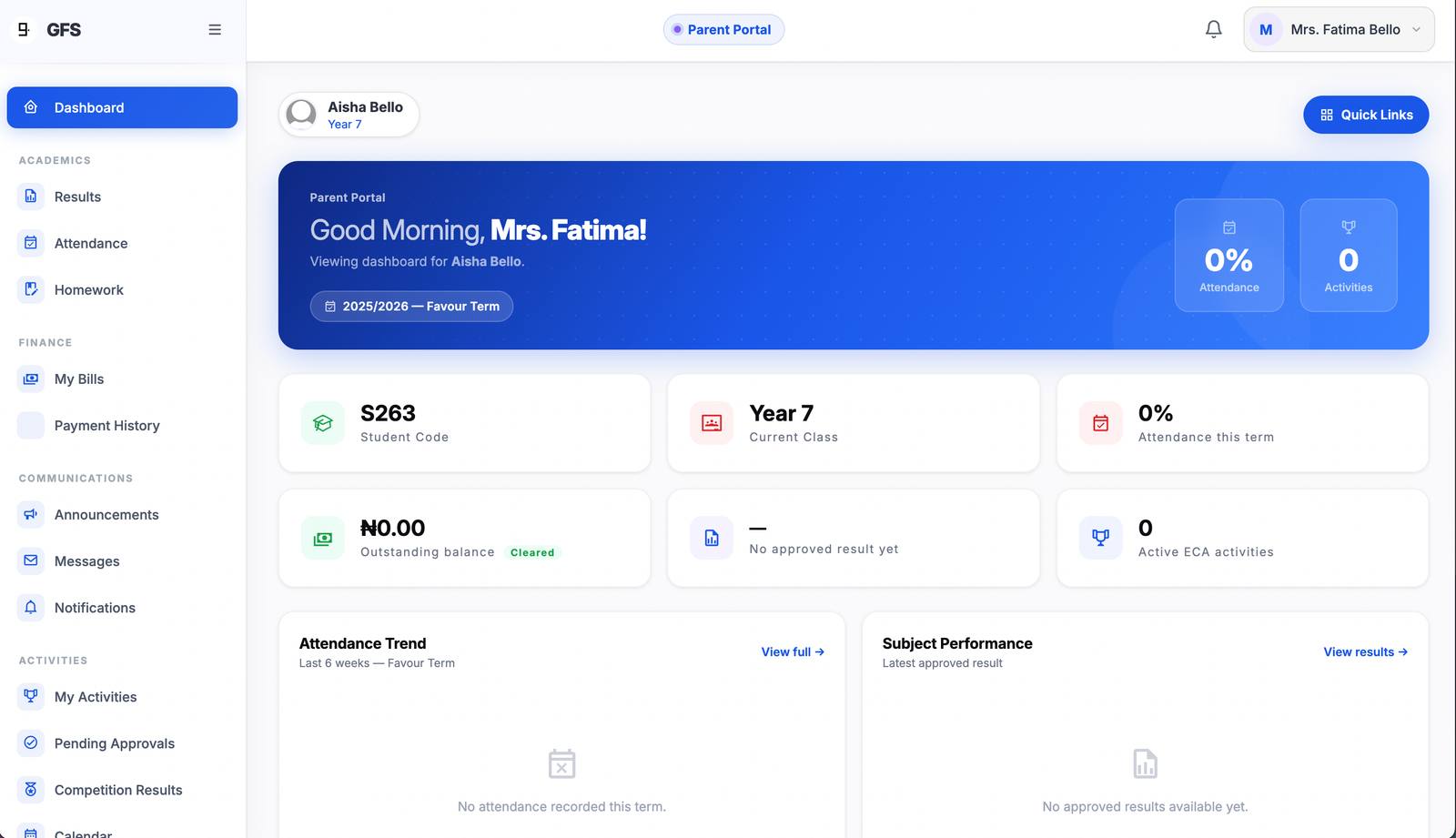
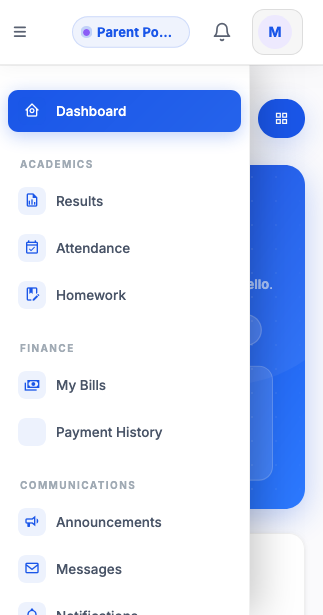
Live Attendance
Updated the moment it is taken, not weeks later in a printed report.
Instant Results
Published results appear the second they go live, not when a paper copy comes home.
Pay Fees Online
Full fee and payment history, paid directly from the portal, no trip to the school required.
One Account, Every Child
Families with more than one child switch between them from a single account.
AI safety, for parents
How you will know if something is wrong.
Every message a child sends to Study Buddy, Idea Lab, or Homework Coach passes through a safety check before anything happens. Nothing skips this. What happens next depends on how serious it is.
A small concern
Something mildly inappropriate is quietly recorded so the school can watch for patterns over time. You are not alerted here. One offhand comment from a curious child does not need to alarm a household.
A serious concern
Sexual content, threats, or graphic violence stop the conversation on the spot. You get a real-time alert in the app and by SMS, with a direct link to the actual flagged message, not a summary, so you can read it yourself and judge it with your own eyes.
Urgent
Reserved for the most serious signs, especially anything suggesting a child may be in danger. You and your child's class teacher are notified at the same moment, by SMS and in the app, asking you to reach out to your child directly, today.
In the moment, a flagged child is never just cut off. Study Buddy tells them clearly that their feelings matter, that it is not the right kind of help for what they are going through, and that a trusted adult already knows to check in. No child is left alone with a serious moment just because a chatbot recognized it as serious.
What you can do right now
Real visibility today. Granular control, next.
We would rather tell you exactly where this stands than oversell it. Here is what a parent can already do, and what is still on the roadmap.
Weekly Study Buddy reports
See exactly what topics your child studied this week, and where they are struggling most, pulled from real usage, not a guess.
Full access to flagged conversations
If anything is ever flagged at the serious or urgent level, you can open the real conversation and read exactly what was said, in full, any time.
Per-child AI controls
Restrict topics, choose a stricter tone, or turn AI features off for one child while leaving it on for a sibling. Every child today gets the same AI behavior, shaped only by the safety system above, not by individual settings.
Always on, always with you
No app store. No missed moment.
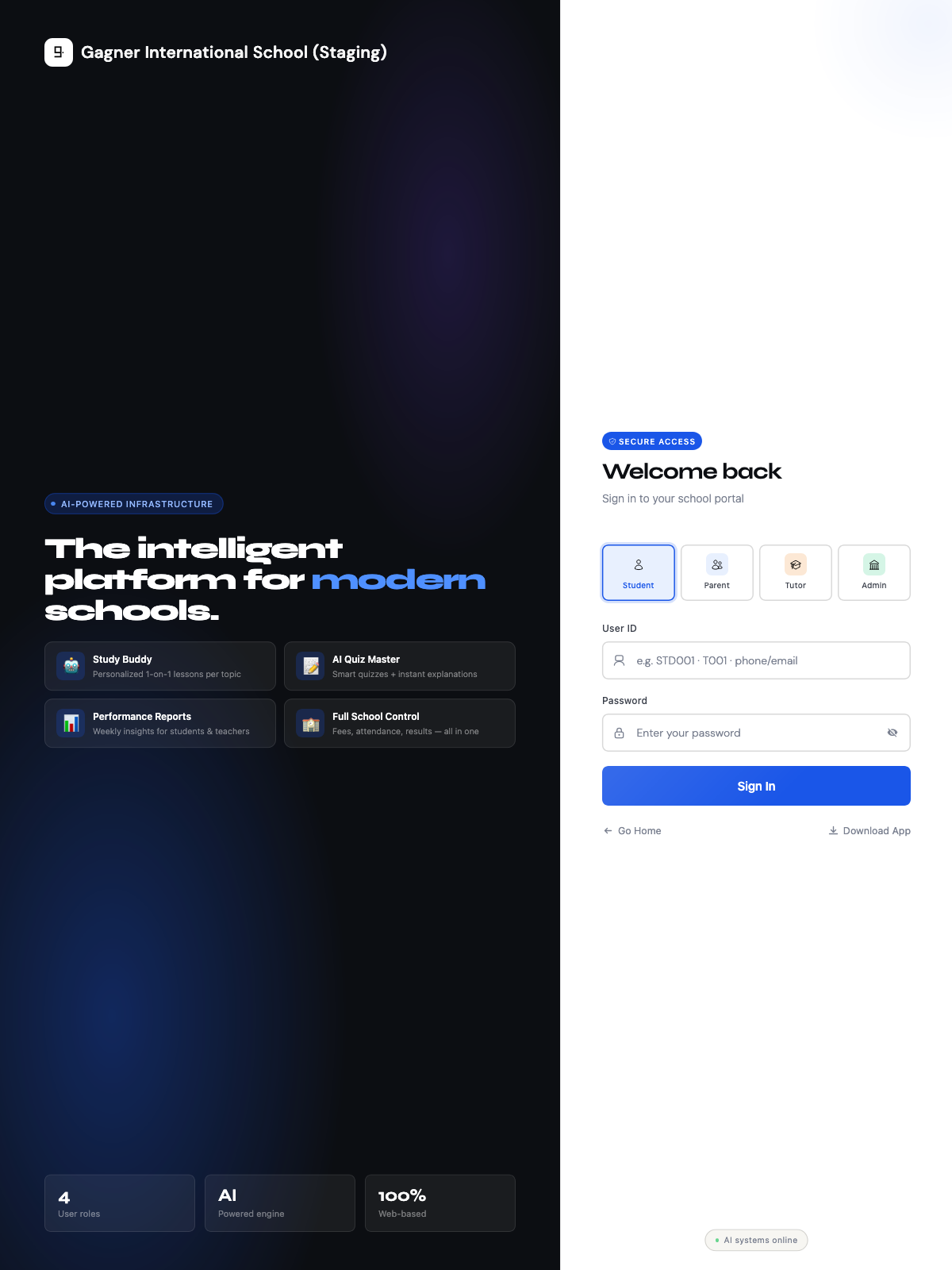 Add to Home Screen
Install it in one tap. No app store, no storage eaten up.
There is nothing to download from a store and nothing sitting on a phone taking up space. Right from the login screen, a one-tap install option is waiting. Tap it, and Gagner for Schools sits on the home screen like any other app: opens instantly, keeps working offline for whatever has already loaded, and never asks anyone to clear space just to keep using it.
On iPhone, parents are walked through the same "Add to Home Screen" step already built into Safari, three taps and it is done.
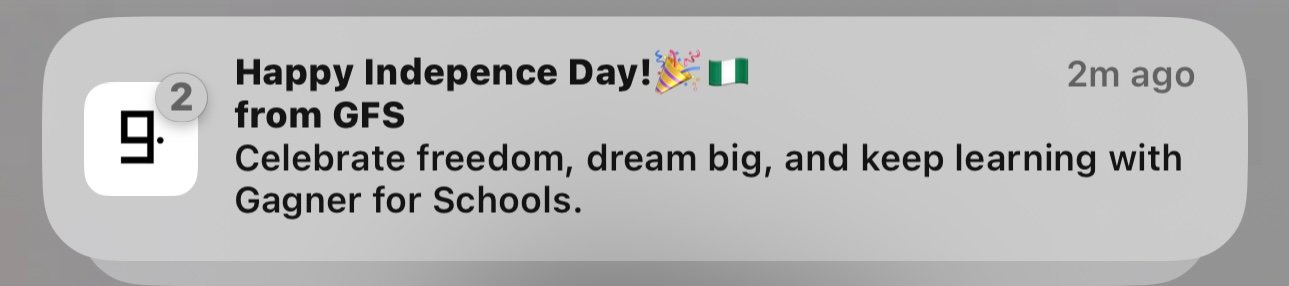
Turn on notifications once. Never miss a moment again.
Notifications switch on the first time the app is installed, and from then on a phone announces the moment something happens at school, without anyone needing to open the app to check. Right now, that covers:
Everything else, too
The rest of a child's school life, visible in one place.
Homework Progress
Follow what has been assigned and what has actually been completed, in real time.
Hostel & Transport Visibility
Boarding parents see hostel information. Families using school transport see that too.
Extracurricular Record
A full view of a child's activities and achievements outside the classroom.
Announcements & Messages
Every message the school sends, kept in one place, so nothing gets lost in a group chat.
Study Buddy Visibility
A summary of how a child has been using the AI tutor, a part of learning that used to be completely invisible to parents.
Give your parents a portal worth logging into.
Book a twenty-minute demo and we will show you exactly what a parent sees, from their very first login.